
Full View
Similar items
IP98 Wired Silent High Aesthetic Mechanical Feel Waterproof Backlit Laptop Computer Typing Office Keyboard
€56.41
€87.11 -35% OFF

Special Offer BD61 Mechanical Blue Red Switch Mixed Light Gaming Laptop 61-Key Wired Keyboard
€51.29
€55.27 -7% OFF
JOMAA 2.4G Combo RGB Backlit Rechargeable Full-Size Ergonomic Type-c Wireless Keyboard Mouse Set
€57.95
€64.16 -9% OFF
JOMAA 2,4 G + Bluetooth-Tastatur Und Maus-Kombination, Kabellose Multimedia-Tastatur Und Ergonomisches Maus-Set Für IPad, Desktop-PC, Laptop
€61.13
€83.64 -26% OFF
2.4G Wireless Hole Mouse Lightweight Game Mouse Luminous 7-color Breathing Light For Office Games
€31.31
€39.72 -21% OFF
27 Key 2.4G Numeric Keyboard, Desktop Computer Universal Mini Keyboard
€77.11
€105.40 -26% OFF
2,4 G Kabellose RGB-Beleuchtungs-Lademaus Mit Einstellbarer DPI, Ergonomische Gaming-Maus Im Waben-Design Für Desktop-Laptops
€32.04
€45.76 -29% OFF
Shibadu W1060 Wireless 2.4G Keyboard And Mouse Set For Laptop Desktop Gaming Office Use
€39.38
€62.69 -37% OFF
Frontline V96 Wireless Set, Silent Bluetooth, Female Office Machinery, Texture, High Beauty, Keyboard and Mouse
€46.83
€71.99 -34% OFF
True mechanical numeric keyboa, USB with cable, blue axis computer, laptop, financial accounting, external mini
€74.19
€96.92 -23% OFF
3 Modes Bluetooth Gaming Rechargeable 2.4G USB Wireless RGB Backlight Mouse for iPad Tablet Laptop Computer
€24.01€32.98
Color : WHITE


Quantity :

Report
Include copyright infringementFree Standard Shipping. See details
Estimated between Mon, Aug 10 and Wed, Aug 19
You can return the product within 30 days of receipt. See details
Shop with confidence

Money Back Guarantee
Get the item you ordered or your money back. Learn more
About this item
Sourced from LaurAna Srore
Seller assumes all responsibility for this listing.Item number: 19798565
Item specifics
Features
Other, Rgb, Single Light
Axis
Other, Red Axis, Tea Axis
Numeric Keypad
No, Yes
Connection
Wireless, Bluetooth, Other
Size
<100Mm, >130Mm, 100Mm-120Mm
Brand
VBVC
Item description from the seller
Technical Parameters:
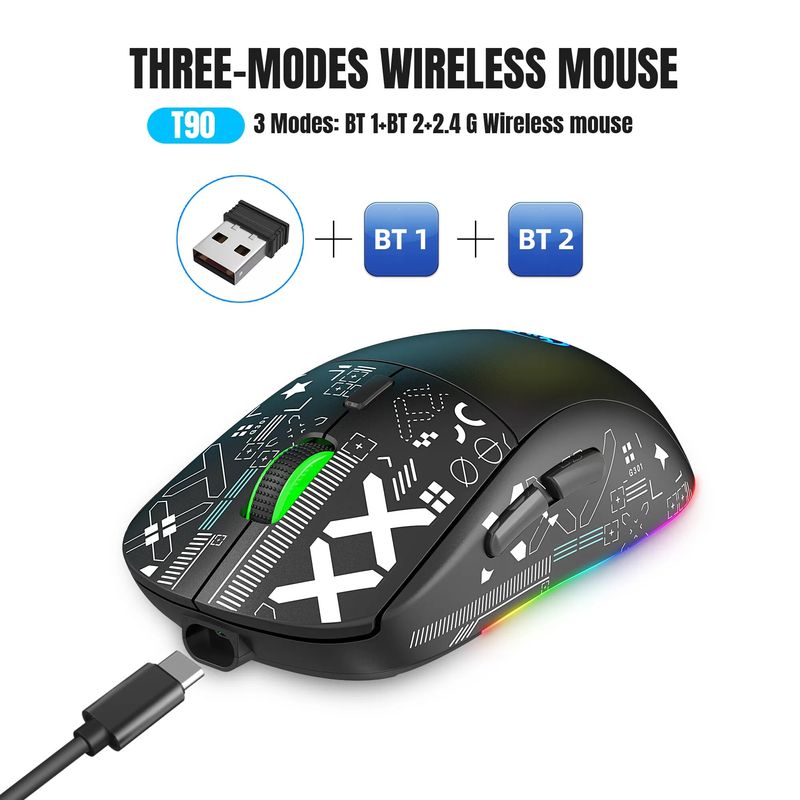
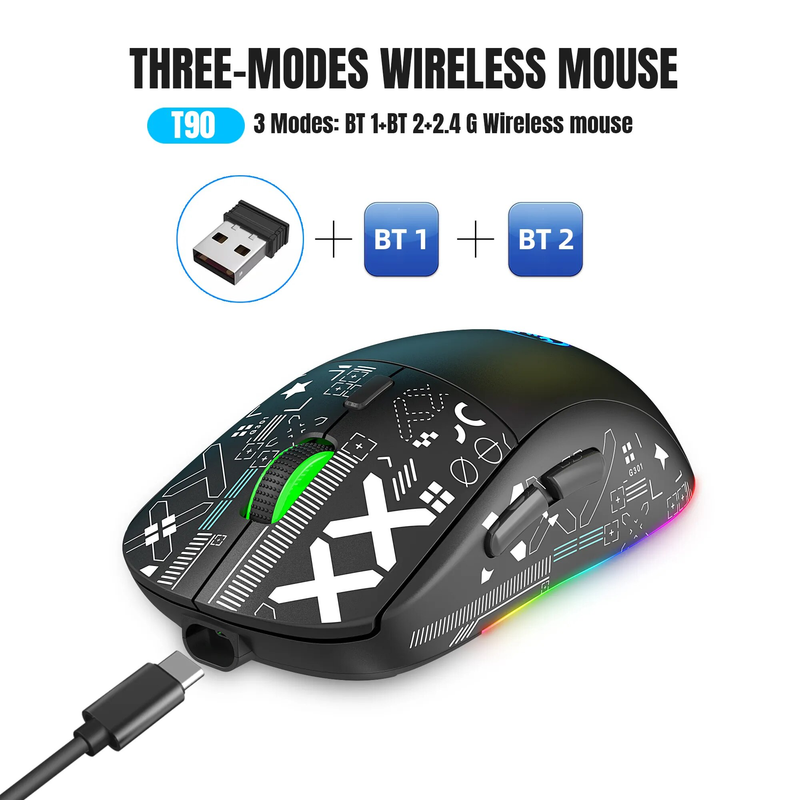
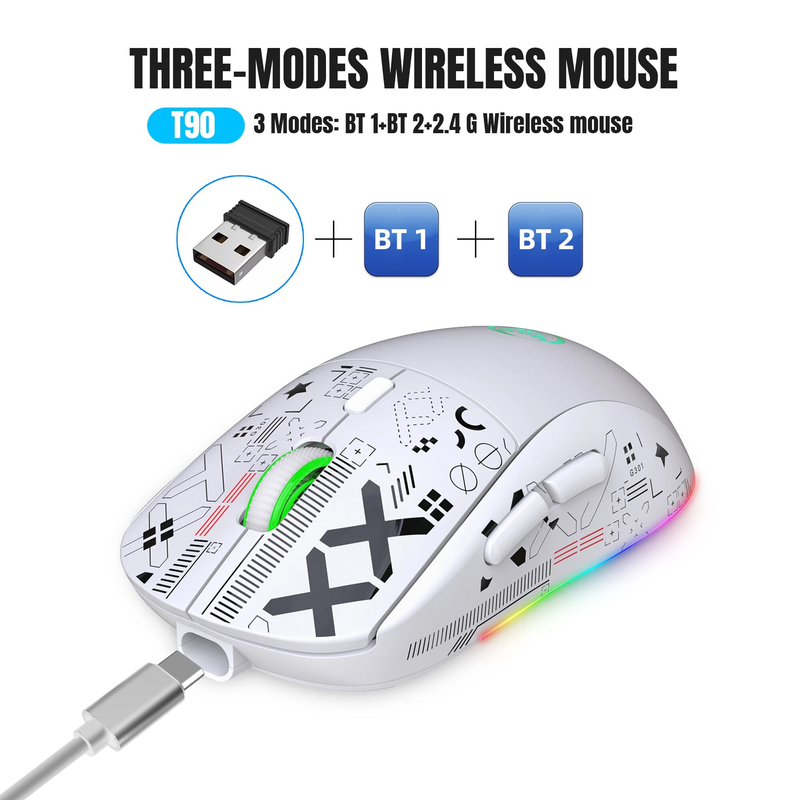
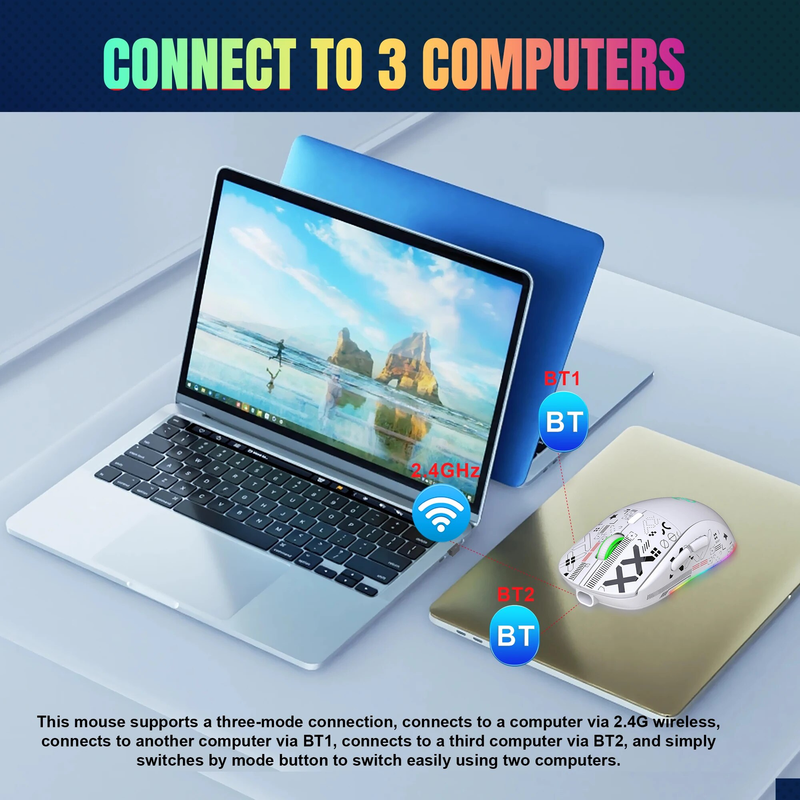
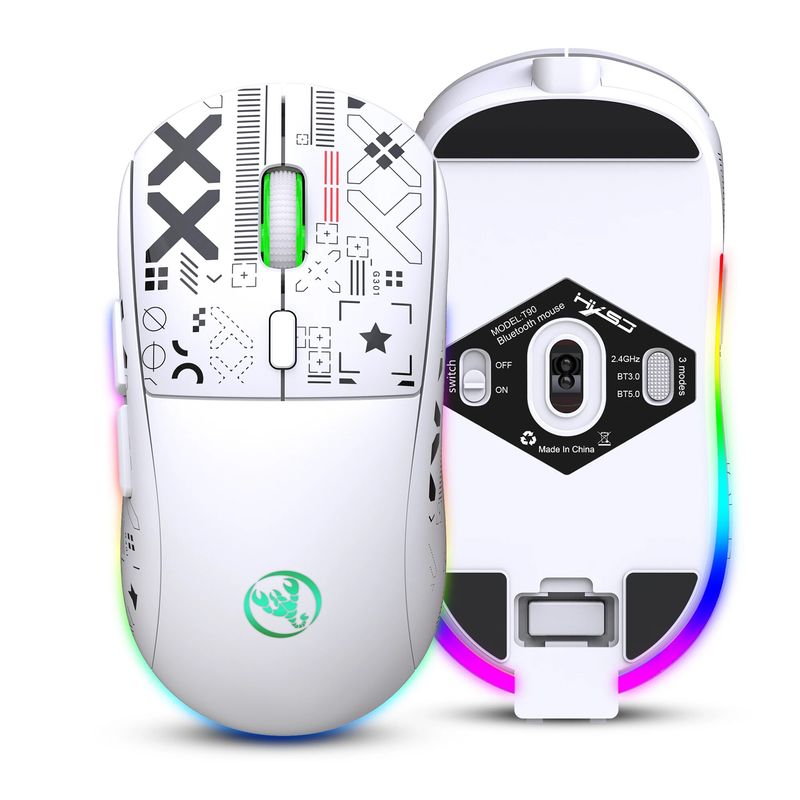
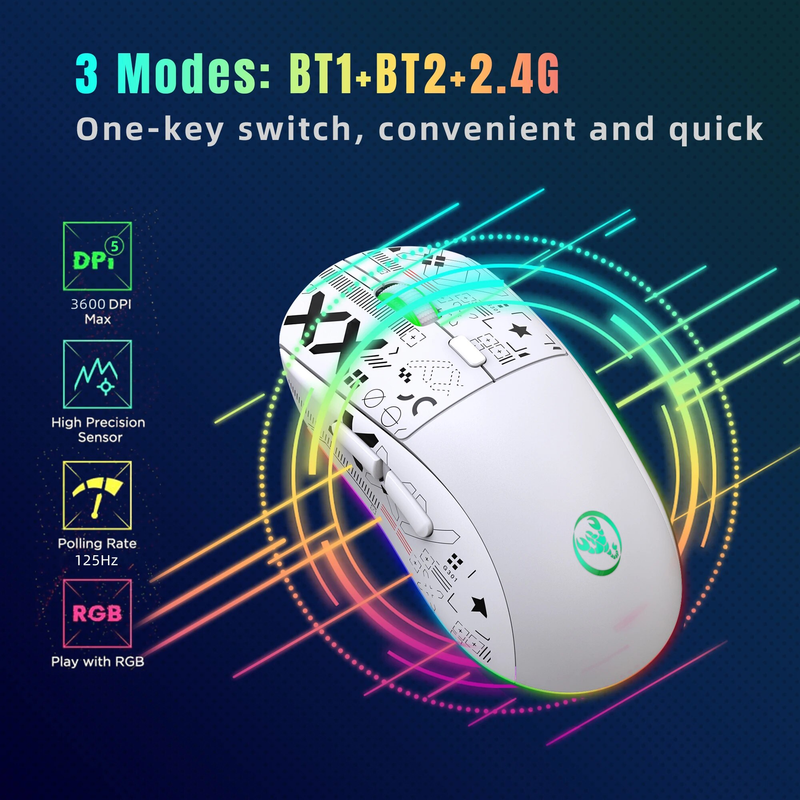
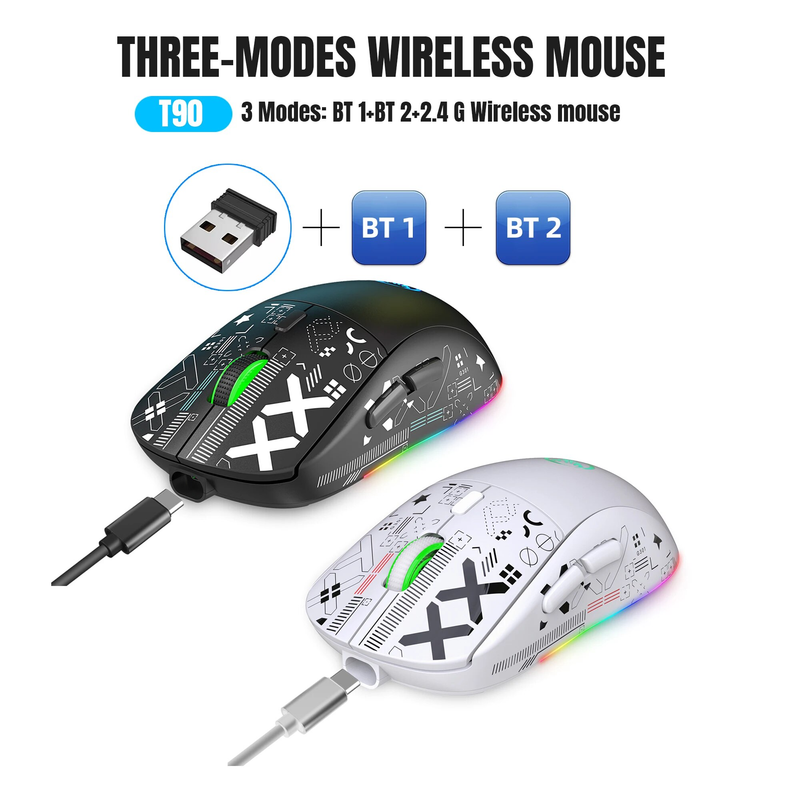
1. 3 Modes: 2.4 G Wireless+BT 1+BT 2
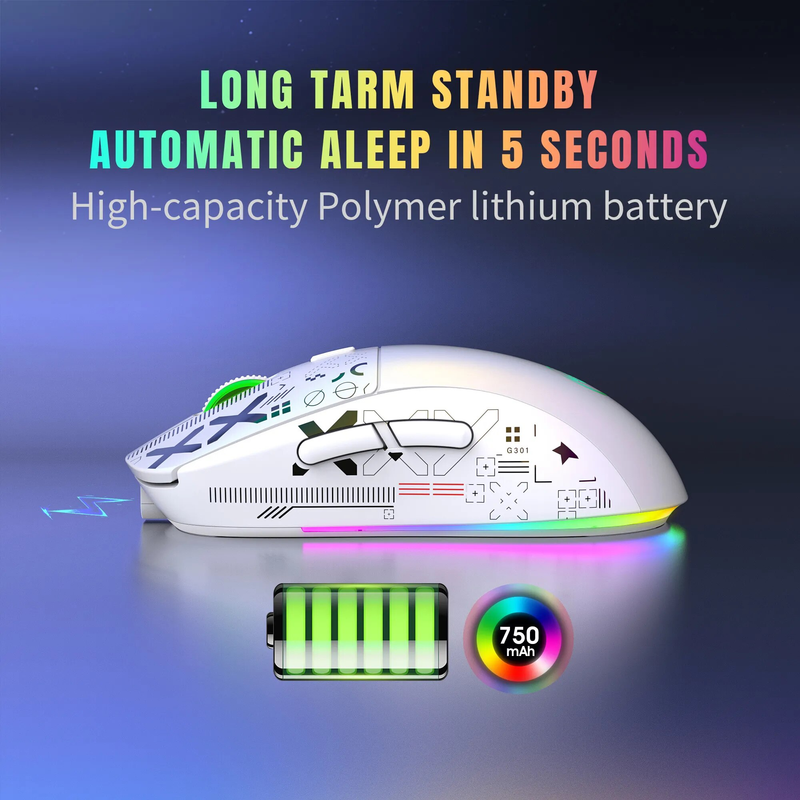
2. Rechargeable: 750mAh Built-in Rechargeable Battery
3. Accurate tracking: PAW3212 PIX professional IC positioning accuracy
4. 10M Wireless Receiving Distance
5. Five-speed DPI adjustment design,Max 3600dpi.
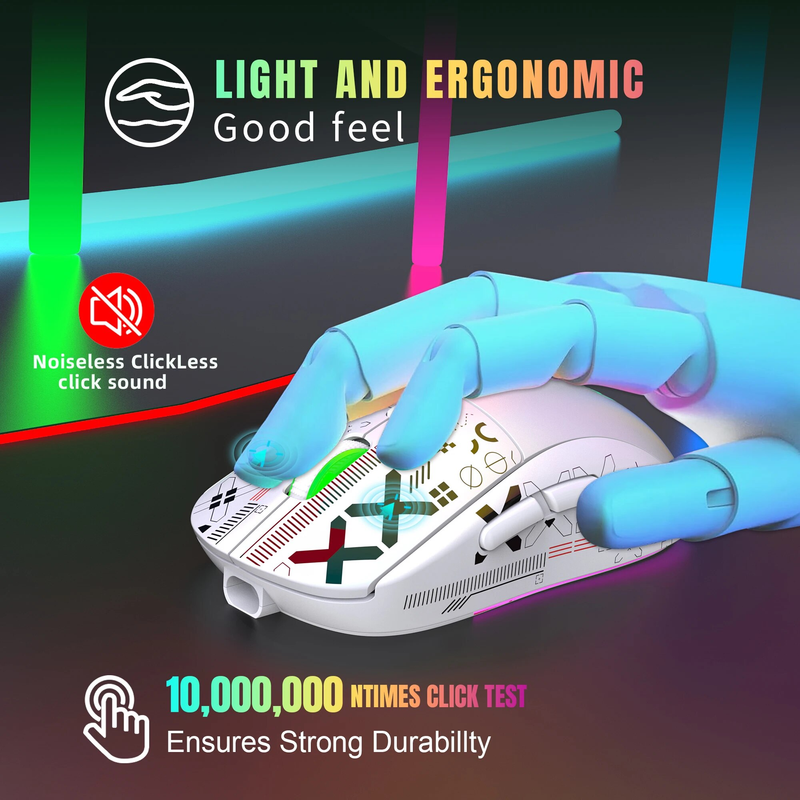
6. 10 million times Mute switch design(Left and Right Buttons)
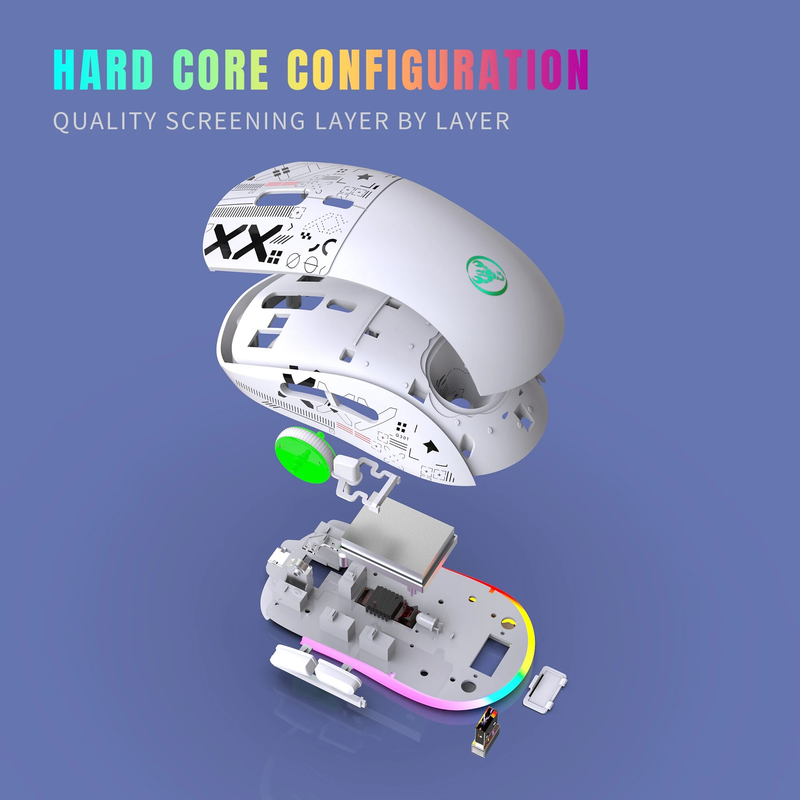
7.Adopting water transfer printing design, it has a fashionable appearance and comfortable grip.
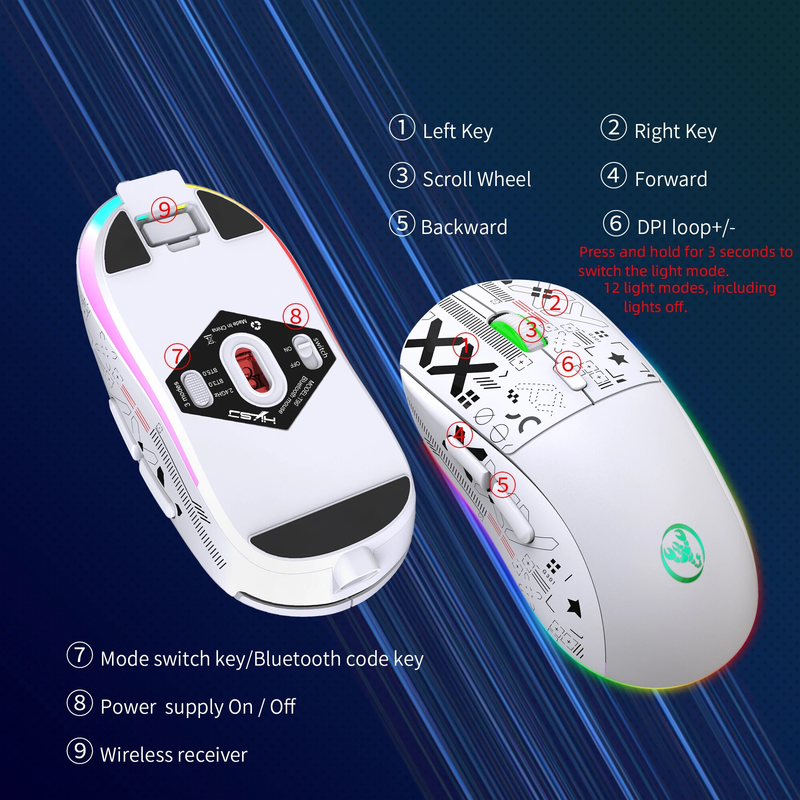
8.Light mode: RGB and other 12 lighting modes, long press DPI for three seconds to switch between 12 lighting modes, including off light mode.
Product Parameters:
Brand/Model: HXSJ/T90
IC: PixArt 3212
Rate of return: 125HZ
Movement speed: 30IPS
Refresh rate: 4800FPS
Acceleration: 10G
Operation Mode: Opto-electronic
Type: 2.4 GHz/BT1/BT2
Power Type : Rechargeable
Number of keys : 6 keys
Key life : 10 million switches
Light type : 12 Lighting Modes
Wireless distance : 10m
Battery capacity : 750mAh
DPI : 800-1200-1600-2400-3600
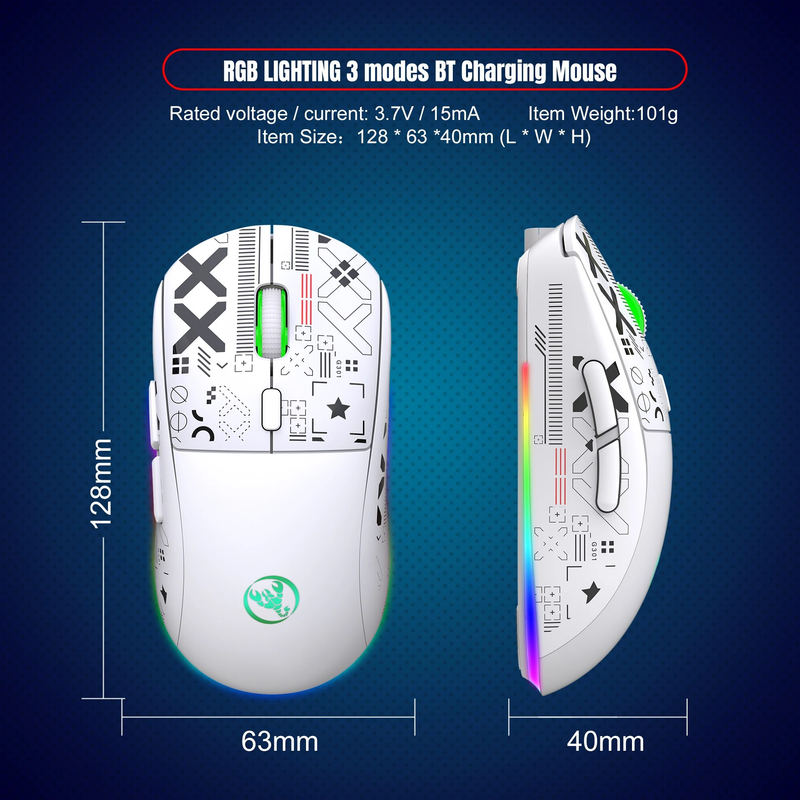
Rated voltage / current : 3.7V / 15mA
Product weight : 101g
Product size : 12.8 * 6.3 *4cm
Package weight :142g
Package size : 13.5*8.5*4.7 cm
Package includes :
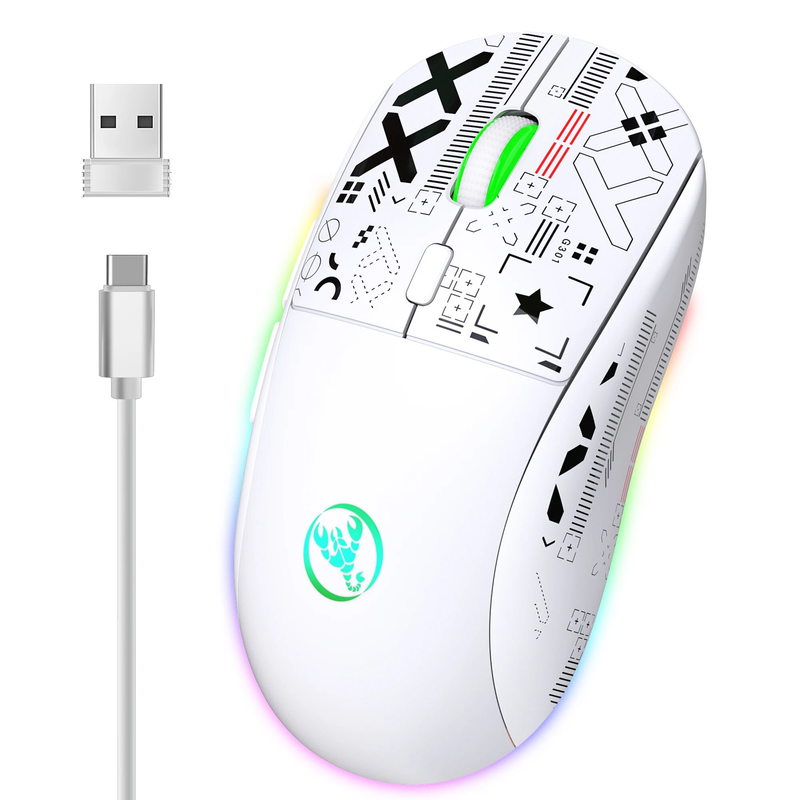
1 x 2.4G/BT1/BT2 Wireless Mouse
1 x USB Receiver
1 x Type-C Charge Cable(80CM)
1 x Instruction manual
Applicable system:
In BT mode :
Windows ( windows XP / Vista / 7 / 8 / Server 2003 / 2000 / Win10 ,etc) Android (Android4.3 above) OS ( OS 10.10 above is recommended).
In 2.4G mode:
suitable for desktop computers, notebook computers, smart TV with USB interface, etc.
Sleep mode:
1: After the mouse is stationary, it immediately goes to shallow sleep.
2: After 1.5 minutes of mouse rest, enter intermediate sleep and turn off RGB lights,
3: Pause the mouse for 10 minutes to enter deep sleep.
HOW TO USE:
USB 2.4G mode connection steps:
1. Set the mouse switch to ON .
2. Plug the receiver into the computers USB port. Press the mode button once.The red LED flashes and the installation is done automatically.
BT Mode:
To turn on the BT mode, you need to press the mode button for 3 seconds and the green light flashes quickly,indicating that the Bluetooth mode is activated and you can search for connections.
BT Mouse1 mode connection steps:
1. Turn on the BT icon on your computer.
2. Turn on the mouse power switch, press the mode switch 2times, the second mode light turns green and flashes quickly.
3. Enter BT Mouse 1 BT Wireless connection mode for pairing.
BT Mouse 2 mode connection steps:
1. Turn on the BT icon on your computer.
2. Turn on the mouse power switch, Press the mode switch 3 times, the third mode light turns blue Flashing quickly.
3. Enter BT Mouse 2 Wireless connection mode to select pairing.
Package Included:
1*mouse

Videos
Videos for this product